

Many places offer affordable flights and deals. However, not every booking site or app provides accurate pricing. Some do not offer decent layovers or available flights. Some sites for flights may leave out key options, and some websites may not show the best deals for hotels. The good news is you don’t need to compromise.
You can avoid long flight times. You can also skip less-than-ideal options. All this while still getting a decent price. Listed below are some top websites and apps to get your feet wet, hopefully on a beach somewhere!

Going Flight Deals
‘Going,’ formerly known as ‘Scott’s Cheap Flight Deals, ‘ is an email subscription service. It allows you to sign up with at least three airports for FREE! They send you customized deals weekly for the cheapest flights available based on your airport preferences. You decide if it’s a deal worth booking!
Google Flights Airfare
Google Flights! But not just the regular Google flights website. The Google Matrix Airfare Search engine shows how cheap a flight can be. It allows you to check prices up to a month in advance. It provides detailed prices. You can see the associated airlines to compare upfront to find the best deal for your pocket.
SkyScanner
If you’re not already using Skyscanner, you should be. This booking metasearch site offers a pretty standard set of filters. The filters include the number of stops, departure times, airlines, and their alliances. It is known for finding decent-priced flights and is worth a try.
Momondo
Momondo is another metasearch site owned by Booking.com that has extra special features. Its flight search highlights the “cheapest” and “best” options and flags airfares with flexible and refundable policies. It includes standard filters like airline, number of stops, and nearby airports. Additionally, it offers helpful filters such as layover times and airline alliances.
Like Kayak, it allows you to sort fares. It also provides an option to arrange flights with the lowest CO2 emissions. This is useful if you are interested in reducing your carbon footprint.
Hopper (App)
This is a flight booking App. You can input your departure and destination details. Then, add your dates using the color-coded calendar. It shows you the price differences associated with your date ranges. You will then see the lowest price. The app provides hints and advice on booking immediately or waiting for prices to drop.
There are other features as well, including the option to lock prices for 7 days using Price Freeze. These features help you decide if your chosen location has better price options. They also help determine if the listed flight availabilities are your best choices.
Skiplagged
The term ‘skip-lagging’ is the act of using “hidden cities” (i.e., a flight connection airport) as your final destination. Most airlines do not exactly approve of this act. Even though it’s not illegal, some airlines can relinquish your frequent flier miles if they catch you. The site allows you to search for these hidden city fares. It’s also a great place to find totally above-board fares.
The key to using Skiplagged without alerting an airline is to uncheck the “Hidden City” box. This ensures you don’t get in trouble. Remember that you can’t scan search results to identify which ones offer cancellation. You also can’t see other specific preferences, like seating and cleanliness.
TripAdvisor
Tripadvisor offers similar functionality to the above metasearch engines but is slightly different due to its user-review preferences. Clicking on a particular fare will show you detailed user reviews of the airline(s). These reviews are rated by various factors, including seats, customer service, legroom, cleanliness, and onboard experience. You may decide based on any of these preferences when choosing your flight.
Expedia
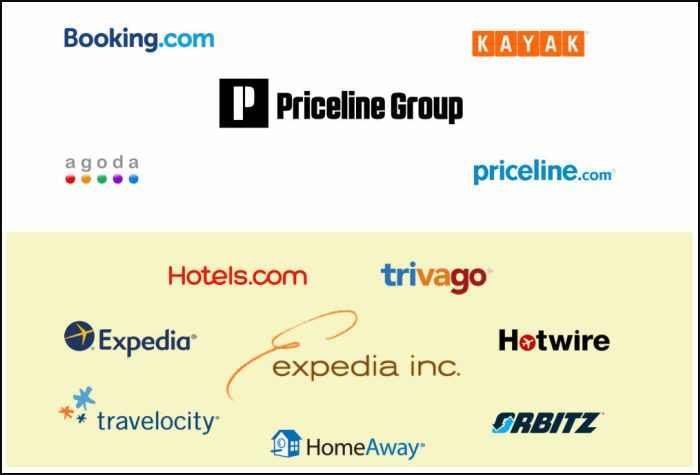
Expedia, Orbitz, and Travelocity are all owned by Expedia and offer similar user search experiences. Prices on these flight booking sites are typically the same or similar. If you prioritize lower prices, you should compare prices across all three platforms. You can quickly scan the sites for extra fees by clicking on a specific flight. These fees include, but are not limited to, seat choice, carry-on bags, and checked bag fees. On all three sites, you can select “Show Flexible Dates.” This option provides a matrix that helps you identify the cheapest days for your search.
CheapOair
Fareportal owns CheapOair and OneTravel, which have similar search and user layouts. It is worth checking both sites in your airfare search. They may have similar prices, but they are not always the same. Note that both of these sites charge a booking fee that varies by flight. Filters include layover times, airports, airlines, number of stops, flight times, and more.
Priceline
Priceline offers a clean layout with limited filters like time, number of stops, and airline. Flights with no change fees are marked, and icons under flight prices show what is actually included and what is not (i.e., seat selection option, carry-on bags, and checked bags). Priceline helps you identify flight features by showing icons under the prices.
These icons indicate whether carry-ons, checked bags, and seat selection are included. To contact Priceline directly, use their phone number (855-940-4266).
These travel sites and apps do not offer a guarantee. However, each provides different access options to various airlines. You might want to price out and compare these airlines. Open the links on different tabs. Compare the prices for your destinations. See which one has the best deal.
A travel deal is always a win. But make sure to read the fine print regarding cancellation and refund policies. This ensures the deal you have found is truly a DEAL.